Hotel Lobby AI video example
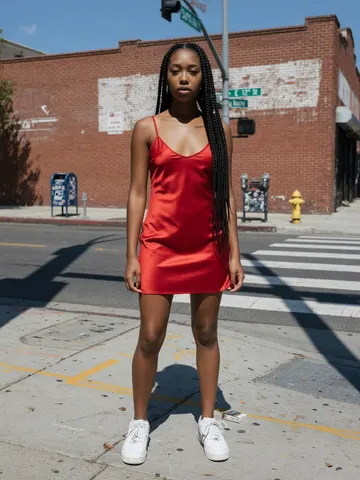
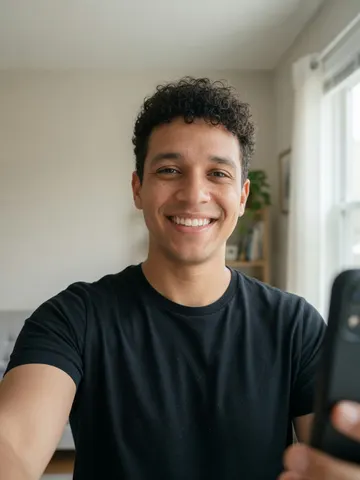
What is the Hotel Lobby AI trend?
Hotel Lobby AI is the trend of putting two people into a burnt-orange studio where they take turns rapping into one hanging microphone. The look comes from Quavo and Takeoff’s 2022 performance of “Hotel Lobby” on the COLORS show, and it went viral in 2026 as an AI video trend on TikTok and Reels. Now people make it with best friends, partners, siblings and pets.
Our generator uses its own studio performance, beat and vocals rather than the original footage or song. It keeps what makes the format work: the orange walls and the one silver mic between you, the turn-taking with mouth movements on the verse, the head nods, hand gestures and pointing, and the laugh and shared line at the end. Pick a man’s or a woman’s voice for each side so the vocals match your photos.
How to make the Hotel Lobby AI video
Option 1: Two photos with this generator
- Upload a clear, front-facing photo of each person.
- The Generate button shows the exact credits before you start.
- Generate. Allow about 5–10 minutes; you can close the page and find the result in My videos.
- Download the MP4 and post it.
Option 2: A motion-reference video model
Tools like Seedance, Kling or Higgsfield can copy the motion of a reference clip onto your characters. You need a reference video, a character sheet or clear photo per person and a few prompting attempts, then you add the song in an editor: flexible, but expect 20 minutes or more of hands-on work.
Option 3: A template app
Some video apps offer a two-photo Hotel Lobby template. Before paying, check how long the clip is, whether both faces stay recognizable from start to end, and whether there is a watermark.
Option 4: Film it with a friend
An orange backdrop, one microphone on a stand and a friend who knows the words. Record it on a locked-off phone, then add the trending “Hotel Lobby” sound when you post.
Hotel Lobby AI prompt
Using a reference-video tool? Upload a reference clip as the reference video and your photos as reference images, then use this prompt. It is the tested prompt behind our generator, rewritten for general use.
Replace both performers with the two people in the reference images: the performer on the left becomes the first person, the one on the right becomes the second. Keep each person’s face, hair and outfit consistent from the first frame to the last, and keep each on their own side. Preserve the performance: who raps when, the timing, mouth movements, head nods, hand gestures, pointing and laughter. Keep the burnt-orange studio, the single microphone hanging between them and the locked-off camera. No new people, captions or cuts.